⚠️ Secrets AI is an adult-oriented AI companion platform. This guide is intended for users aged 18 and over.
How to Use Secrets AI: Complete Beginner's Guide (2026)
Most new users make the same mistake: they spend their 200 free Moments on video in the first 10 minutes and hit a paywall before they have properly explored the platform. One full-length video costs up to 600 Moments — three times your starting allocation. This guide walks through the smarter sequence: how to set up your account, build a character that produces genuinely engaging conversations, and spend your Moments where they create the most value before deciding on a paid plan.
Step 1 — Create Your Account
No app download is required. Secrets AI runs in any web browser on any device.
- Go to secrets.ai in Chrome, Safari, Firefox, or Edge
- Click "Sign Up"
- Enter an email address and password — no real name, phone number, or social media account required
- Confirm your email if verification is requested
- You are now logged in
Account creation takes under 60 seconds. Your new account immediately includes:
- 200 free Moments (one-time starting credit)
- Access to the full character library (~94 pre-built characters)
- 20 free messages per day
- The ability to create one custom character at no cost
For users who want maximum anonymity, the platform accepts accounts with no real name. For payments, cryptocurrency is accepted with a minimum $20 transaction. All billing appears as "Sun Clinical Laboratories" — no reference to the platform anywhere on your statement.
Step 2 — Choose Your First Character
The character selection step matters more than most new users realize. The quality of your conversations is directly tied to the specificity of the character profile.
Option A: Browse the pre-built library
- ~94 hyper-realistic female characters are available immediately
- Filter by appearance, personality type, and scenario focus
- Some anime-style characters are also available
- Over 100 fantasy scenarios are pre-loaded for each character
Option B: Create a custom character (recommended)
Your first custom character is free. Customization options:
- Ethnicity — 9 options
- Skin tone, eye color, hairstyle — multiple options each
- Body type — 6 options
- Voice — 6 options
- Personality traits — confidence, playfulness, dominance, intelligence (adjustable sliders)
- Profession — 5 preset categories
- Personality trait presets — 5 options
- Hobbies and free-text details — open field for specific backstory and relationship context
The free-text details field is where the best conversational results come from. The more specific the backstory — relationship history, communication style, emotional dynamics — the more consistent and engaging the AI's responses become. Vague profiles produce generic responses.
When you finish building a custom character, 4 images are auto-generated at no additional Moments cost, giving you an immediate visual representation.
Step 3 — Start Your First Conversation
The platform provides conversation starters at the beginning of each chat — approximately half casual (daily life, interests, feelings), half suggestive or romantically charged. These are useful starting points if you are unsure how to open, but you do not have to use them.
Key things to know about the first conversation:
- The AI adapts to your tone — if you are warm and detailed, you get warm and detailed responses; brief prompts get briefer responses
- Be specific early — mention interests, preferences, and what you want from the dynamic; the AI uses these for context in later exchanges
- Free users get 20 messages per day — use them efficiently; do not spend them on one-line exchanges
- The AI asks follow-up questions — respond to them rather than ignoring; this builds conversation depth faster
On the free tier, memory resets after 2–3 exchanges within a session. There is no cross-session continuity — each day starts fresh. This is the most significant limitation of the free experience and the primary reason to upgrade to Plus or higher.
Step 4 — Explore Media Features
Generate Images
Image generation is available on the free tier with your starting Moments:
- Tap the image generation option in the chat interface
- Cost: 25–50 Moments per image
- The output reflects your companion's current appearance and the conversation context
- 4 image presets are available for quick generation
- Occasional hand-rendering glitches appear, which is typical of AI image generation
Recommended approach: Generate 2–4 images (100–200 Moments) to evaluate image quality before spending remaining credits on video.
Create Videos
Video generation is the feature that most distinguishes Secrets AI from competitors:
- Select an existing companion image
- Add a text prompt describing the desired movement or action
- Wait approximately 2 minutes for processing
- View and save the completed clip
Cost: ~50 Moments for a 3-second clip (Lite tier and above), up to ~600 Moments for a full-length clip.
Important for free users: The 200 starting Moments are not enough for a full-length video. You can generate one short 3-second clip (~50 Moments) after generating a few images — but video generation on Lite tier and above gives you much more practical access. See the video generator guide for full cost breakdown.
Try Voice Calls
Six voice options are available:
- Cost: 100 Moments per minute
- Tone is natural and adapts to conversation context
- Rated 4.3/5 by reviewers
At 100 Moments per minute, a 2-minute voice call costs 200 Moments — essentially your entire free starting allocation. Treat voice calls as a paid-tier feature unless you have a specific need to test the voice quality.
Step 5 — Manage Your Moments
Moments management is the skill that separates users who enjoy the platform from those who feel nickel-and-dimed by it. The key habits:
- Track your Moments balance in account settings — check it before starting a media-heavy session
- Prioritize text for free exploration — text messages cost only 1–2 Moments each; unlimited messaging is effectively free on paid tiers
- Video is the most expensive feature — a single full-length clip (600 Moments) costs more than all 4 auto-generated character images combined
- Buy top-ups strategically — bundles start at 1,980 Moments for $5.99 and scale to 118,800 for $249.99 with up to 30.4% discount on large purchases
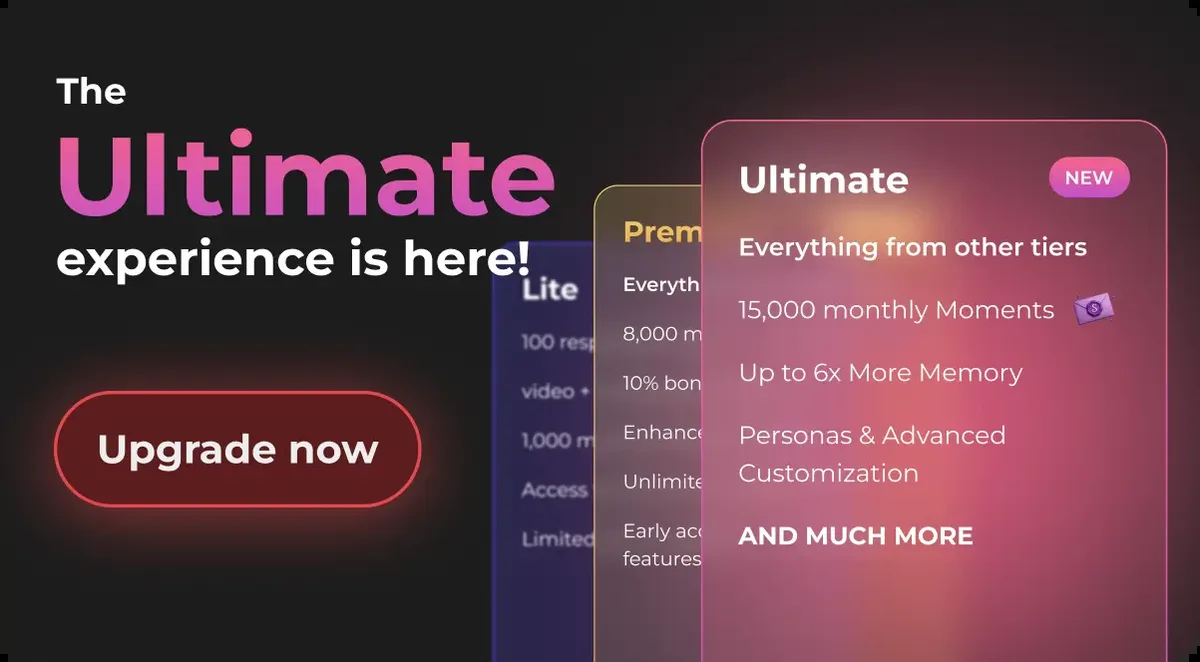
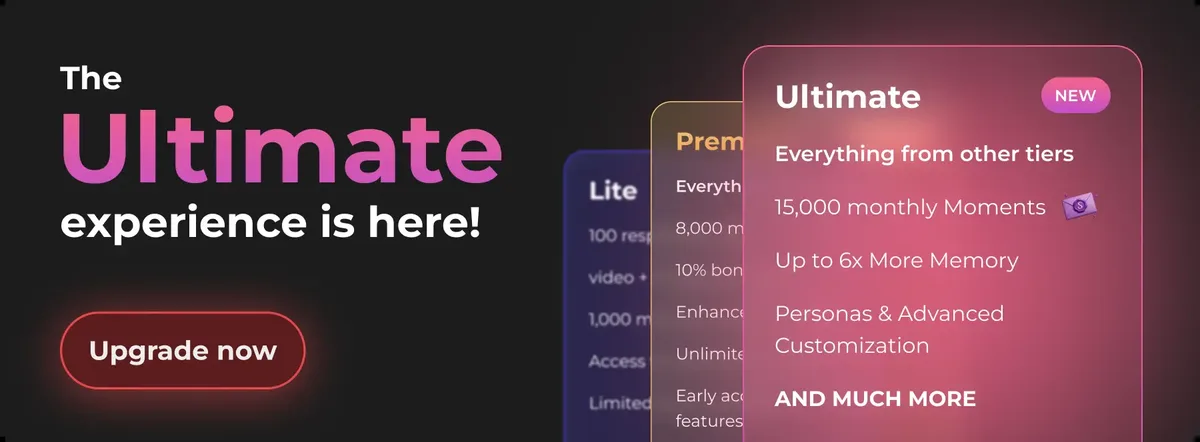
- Upgrade to Plus ($9.99/month) if you are regularly hitting daily message limits or running out of Moments — 3,000 Moments/month and unlimited messaging is the most common tipping point for upgrading
For a comprehensive view of what each plan includes, see the pricing page or the free vs premium comparison.
Step 6 — Enable Privacy Features
Two privacy steps worth completing before your first meaningful conversation:
- Enable Private Mode before starting a conversation you want kept confidential
- Private Mode applies end-to-end encryption to that specific conversation
- It prevents the conversation from being used for AI training
- It must be enabled per conversation — it is not a global setting
- It is not retroactive — you cannot protect a conversation that already started without it
- Understand the billing descriptor — all charges appear as "Sun Clinical Laboratories" on bank statements. No reference to AI, girlfriend, adult, or Secrets appears anywhere in billing.
If you signed up with a real email and want to minimize the data profile further, cryptocurrency payments are accepted with a minimum $20 transaction for the most private payment option.
Tips for New Users
The most valuable advice from users who have been through the learning curve:
- Start with the free tier to test conversation quality and interface before committing any money
- Do not spend all 200 starting Moments on video — generate 2 images, have a text conversation, and evaluate the chat quality first
- Create a detailed character profile for significantly better conversations; the difference between a vague profile and a specific one is stark
- The AI remembers more on paid tiers — free memory is very limited (2–3 exchanges); this is the #1 reason most users upgrade
- Plus at $9.99/month is the most defensible first paid tier for most users — unlimited messaging plus 3,000 Moments covers regular use without heavy media generation
- Add secrets.ai to your home screen for an app-like experience on mobile (Share → Add to Home Screen on iOS; three-dot menu → Add to Home Screen on Android)
- Save key memories manually at 10 Moments each — flag important relationship details to ensure the AI retains them past the standard recall window
Common Issues and Solutions
Messages not sending
Check your daily message limit. Free accounts are capped at 20 messages per 24 hours. Lite accounts allow 100 per day. If you have hit the limit, you will need to wait until the limit resets (typically midnight UTC) or upgrade your plan. The limit is the most common reason new users think something is broken when it is actually working as designed.
AI seems forgetful
On the free tier, memory resets after 2–3 exchanges. This is not a bug — it is the designed behavior of the free memory system. Upgrading from free to Plus gives you approximately 30-day recall with topic and tone awareness. Premium gives you unlimited memory with an emotional timeline. If the AI cannot remember something you told it two sessions ago on a free account, the solution is an upgrade, not a refresh.
Slow responses
Peak usage hours — typically evenings in US time zones — produce slower generation times. For faster responses, try accessing the platform during off-peak hours: early morning or midday UTC. This is a server load issue, not an account-specific problem.
Can't generate video
Video generation requires a Lite plan or higher (minimum $5.99/month) and available Moments. Free tier accounts do not have video generation access. If you are on a paid plan but out of Moments, you will need to either top up with a Moments bundle or wait for your monthly allocation to reset.
Forgot password
Use the password reset option on the login page at secrets.ai. A reset link will be sent to your registered email address. There is no phone-based recovery option, so access to your email is essential for account recovery.
FAQ
Go to secrets.ai in any browser, click Sign Up, and enter an email address and password — no real name or phone number required. Account creation takes under 60 seconds. You will receive 200 free Moments immediately and access to the full character library. The best first step is to either browse the pre-built characters or create a custom character using the free character creation — then have a text conversation to evaluate the chat quality before spending Moments on media.
No — Secrets AI is entirely browser-based. There is no app to download, no APK to install, and no desktop client. The full platform runs in Chrome, Safari, Firefox, or Edge on any device. For an app-like experience on mobile, you can add secrets.ai to your home screen using your browser's "Add to Home Screen" option, which creates an icon that launches the site in full-screen mode.
The free tier includes 20 messages per day with a 500-character maximum per message. This resets every 24 hours. It is enough to evaluate conversation quality in a short session but is not sufficient for extended roleplay or relationship-building. If you find yourself regularly hitting the 20-message limit, the Plus plan at $9.99/month removes the daily cap entirely and adds 3,000 Moments per month.
Yes — Secrets AI is mobile-responsive and works on any modern smartphone browser. Chrome, Safari, and Firefox all function correctly. For the best mobile experience, add secrets.ai to your home screen (Share → Add to Home Screen on iOS; three-dot menu → Add to Home Screen on Android) to create an icon that launches the site without browser navigation. There is no native iOS or Android app, but the browser experience is the same full platform as the desktop version.